
How to Check Your Google Maps Ranking From Any Location (Free Methods)
You can't check your Google Maps ranking accurately from your own phone, because Google tailors local results to where you are. To see another spot, pan Google Maps there and search, override your location in Chrome DevTools, or add a uule parameter to a Google search URL. To check many spots at once, use a geo-grid rank tracker.
Search “roofer near me” from your office and you'll probably find yourself near the top. That isn't proof you rank well. It's proof you're standing next to your own business. Google adjusts local results to the searcher's location, so the ranking you see is the ranking for exactly where you are, and nowhere else.
To know how you rank for customers across town, you need to search from where they are. Here are the free ways to do that, what each one is good for, and where each falls short.
Why your own search results mislead you
- Location. Google works out where you are from your device location, IP address and recent activity, and distance is one of the three things local rankings depend on. Your phone usually shares a precise GPS location, while a computer is often located by its IP address, so the two can disagree.
- Your history. If you often click your own listing or visit your own website, your results can lean toward it.
- Maps vs Search. Google Maps and the local pack in Google Search can order the same businesses a little differently.
Incognito mode removes some of the personalization but not your location, so on its own it doesn't fix the main problem.
Method 1: Pan Google Maps to the area you want to check
The simplest option. Open Google Maps, drag the map to the neighborhood you care about, zoom in to street level and search your keyword. If you've already searched, move the map and tap “Search this area”. Then note where you appear in the list.
It's quick for spot checks, but the results still depend partly on your real location and on how far you're zoomed in. Treat it as a rough read rather than a measurement.
Method 2: Change your location in Chrome DevTools
Chrome can report a different location to websites, including Google:
- Find the coordinates of the spot you want to test. In Google Maps on a computer, right-click the spot and click the coordinates at the top of the menu to copy them.
- Open Google Search, then open DevTools (F12, or Cmd+Option+I on a Mac).
- Open the Command Menu (Ctrl+Shift+P, or Cmd+Shift+P on a Mac), type “sensors” and choose Show Sensors.
- Under Location, choose Other and paste in your latitude and longitude.
- With DevTools still open, search your keyword. If Google asks, let it use your precise location.
- Scroll to the bottom of the results page and check which location Google says it used.
When it works, this is the closest free method to what a customer standing at that spot would see. The catch is that Google can still fall back on your IP address. If the location at the bottom of the page doesn't match the one you set, the override didn't take.
Method 3: Add a location to the search URL with uule
Rank tracking tools set location with a Google search parameter called uule, which tells Google which place to treat as the searcher's location. The value is an encoded version of a place name, so you don't write it by hand: a free UULE generator turns something like “Austin, Texas, United States” into the right string, and you add it to a normal search URL:
https://www.google.com/search?q=plumber&hl=en&gl=us&uule=YOUR_ENCODED_LOCATIONThe hl and gl parameters fix the language and country. This method is handy for checking another city from your desk. Most generators work from place names such as cities and postcodes, so it's better for comparing areas than individual streets.
Method 4: Use Google Ads' Ad Preview and Diagnosis tool
If you have a Google Ads account, the Ad Preview and Diagnosis tool (under Tools, then Troubleshooting) lets you pick a location, language and device and preview the results page for a search. Because it's a preview, it doesn't count as an impression on anyone's ads. It's built for checking ads, but the preview is a useful second opinion on local results for a named location.
Method 5: Use a VPN (the least precise)
A VPN routes your connection through a server in another city, which can shift results from one town to another. But VPN locations are city-level at best, often sit in a large city's data center, and Google may still use your device's location. A VPN is fine for checking results in another country. It isn't reliable for local rankings.
The problem with checking one spot at a time
Every method above gives you one result for one spot, but your ranking changes block by block. A business can be first near its front door, sixth two kilometres north and missing entirely across the river. Checking a few spots by hand each month takes time and still leaves most of your service area unchecked. Our comparison of geo-grid heatmaps and traditional rank trackers explains why single-spot checks miss so much.
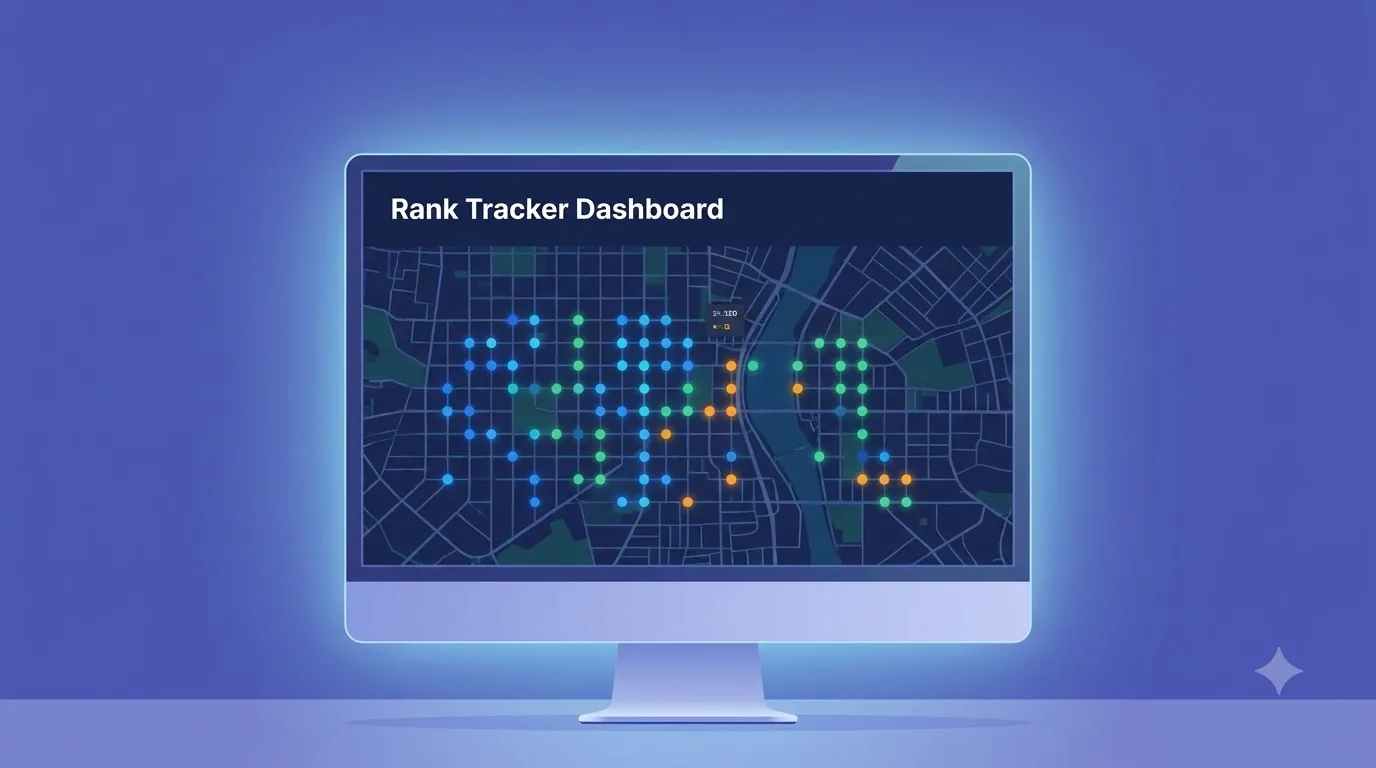
That's the job geo-grid rank trackers do. Happy Rank's geo-grid runs your keyword from 15 to 90 points around your business, over a radius of 0.5 to 25 km, and colors each point by where you rank. Every scan is saved, so you can rerun the same settings after making changes and compare point by point. Our Google Maps ranking playbook covers what to fix in the areas where you rank poorly.
| Method | Cost | Precision | Best for |
|---|---|---|---|
| Panning Google Maps | Free | Rough | Quick spot checks |
| Chrome DevTools location | Free | An exact spot, when Google accepts it | Checking a few specific spots |
| uule parameter | Free | City or neighborhood | Comparing towns |
| Ad Preview tool | Free with a Google Ads account | Named locations | A second opinion by location and device |
| VPN | Usually paid | City level at best | Other countries |
| Geo-grid tracker | Paid, often with a free trial | Many exact points | Tracking your whole service area over time |
Tips for consistent results
- Check the same keywords each time, exactly as customers type them. “Dentist near me” and “dentist” can rank differently.
- Keep the location, radius and number of points identical between checks, or the comparison means nothing.
- Check at similar times of day. Being open at the time of the search affects local rankings, so evening checks can look worse for a business that closes at 5 pm.
- Every two to four weeks is enough for most businesses, plus after any big change to your profile or website.
- Don't react to one day's movement. Local results shift from day to day, so look at the trend across several checks.
Want to see your whole service area at once? Happy Rank's geo-grid comes with a 14-day free trial. Scanning only reads Google's results; it doesn't change anything on your Business Profile. For what the results mean, see our guide to the Google local pack.
Frequently asked questions
How do I check my Google Maps ranking?
Search your keyword from the location you want to test, by panning Google Maps there, overriding your location in Chrome DevTools or adding a uule parameter to a Google search URL. Searching from your own phone at your business only shows your ranking at that spot.
Can I see Google results for another city?
Yes. Add a uule location parameter to a Google search URL, use Google Ads' Ad Preview tool, or pan Google Maps to that city. A VPN also works for other cities or countries, but it's the least precise option.
Why is my ranking different on my phone and my computer?
Your phone usually shares a precise GPS location while a computer is often located by its IP address, so Google may place you in different spots. Your search history can differ between devices too.
Does incognito mode show unbiased local results?
No. It removes some personalization from your search history, but Google still uses your location, so you'll still see results for where you are.
How often should I check my local rankings?
Every two to four weeks is enough for most businesses, plus after any big change to your profile or website. Local results move around from day to day, so trends matter more than single checks.