
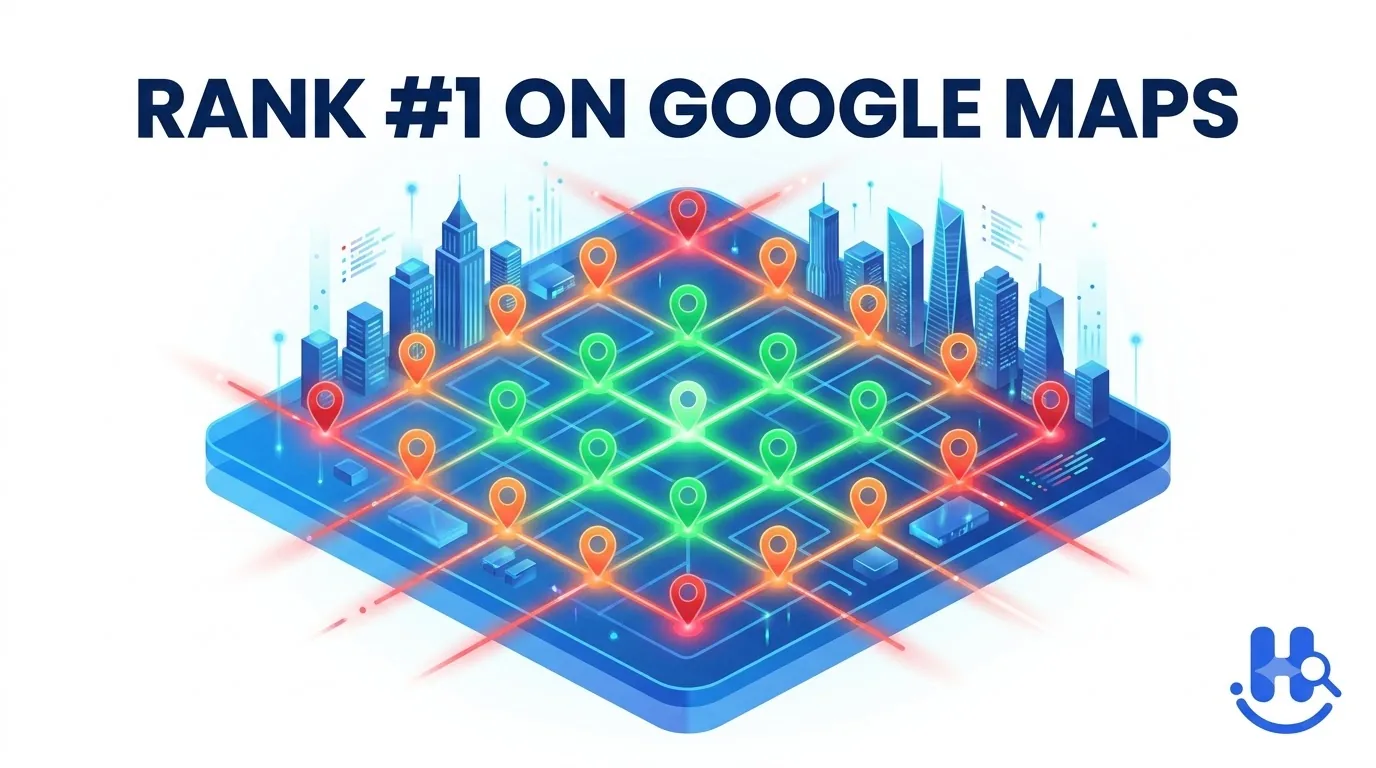
Local SEO Software: Turn Data Into Better Rankings
Local SEO software tracks local keyword rankings, Google Maps and Map Pack visibility, Google Business Profile performance, citations, reviews, and competitors in one dashboard. It reveals geographic ranking gaps and turns scattered local search data into prioritized actions, reports, and measurable visibility improvements over time.
Ever wondered how some businesses seem to stay visible whenever customers search for local services? It is not always about checking Google manually or guessing which keywords might work. Local SEO software helps businesses track local search rankings, monitor Google Business Profile performance, analyze local competitors, manage local citations, and understand how visibility changes across different locations.
But what actually happens behind the scenes? In this guide we break down what local SEO software is, what data it tracks, and how it turns local search data into actionable insights. We cover key features such as local rank tracking, geo-grid tracking, review monitoring, competitor analysis, and local SEO reporting, plus when businesses actually need this type of software and how platforms such as Happy Rank fit into a broader local SEO workflow.
What Is Local SEO Software?
When I explain local SEO software to someone for the first time, I avoid starting with a long list of features and start with the problem it solves. Local search involves rankings, Google Maps, business listings, reviews, competitors, and multiple locations, and keeping track of all of that manually quickly becomes messy. Local SEO software brings these moving parts into one place so businesses can monitor their local search visibility and make better decisions.
At its simplest, local SEO software is a tool that helps businesses monitor, manage, and improve their presence in local search results. Depending on the platform, it can track local keyword rankings, monitor Google Business Profile performance, manage local citations, analyze competitors, monitor reviews, and create local SEO reports. I find it useful to think of the software as a visibility dashboard rather than a replacement for an SEO strategy: it collects and organizes local search data, highlights changes, and helps you identify where attention is needed.
For example, a business might discover that it ranks well for a service near its main location but becomes much less visible in nearby neighborhoods. Without local rank tracking or geographic reporting, that gap is surprisingly easy to miss, which is why a complete guide to local search visibility always starts with measuring where you actually appear.
What Problems Does Local SEO Software Solve?
Managing local SEO manually may work for a small business with one location and a handful of keywords. As the business grows, however, the amount of information becomes harder to monitor consistently. Here are some of the common problems local SEO tools help address:
- Checking local rankings across different locations
- Monitoring Google Maps rankings and Map Pack visibility
- Finding inconsistent business listings and citations
- Tracking new customer reviews and ratings
- Comparing visibility against local competitors
- Monitoring several business locations from one platform
- Identifying keywords or areas where visibility is weak
- Creating recurring local SEO reporting without collecting everything manually
In my experience, the biggest advantage is often not one individual feature. It is having these insights organized in a way that makes them easier to compare and act on. A small local company may mainly need local rank tracking and review monitoring, while an agency managing dozens of locations may need deeper reporting, competitor analysis, and automation. Either way, scattered local search information becomes something a business can actually work with: where visibility is strong, where it is falling behind, and what deserves attention next.
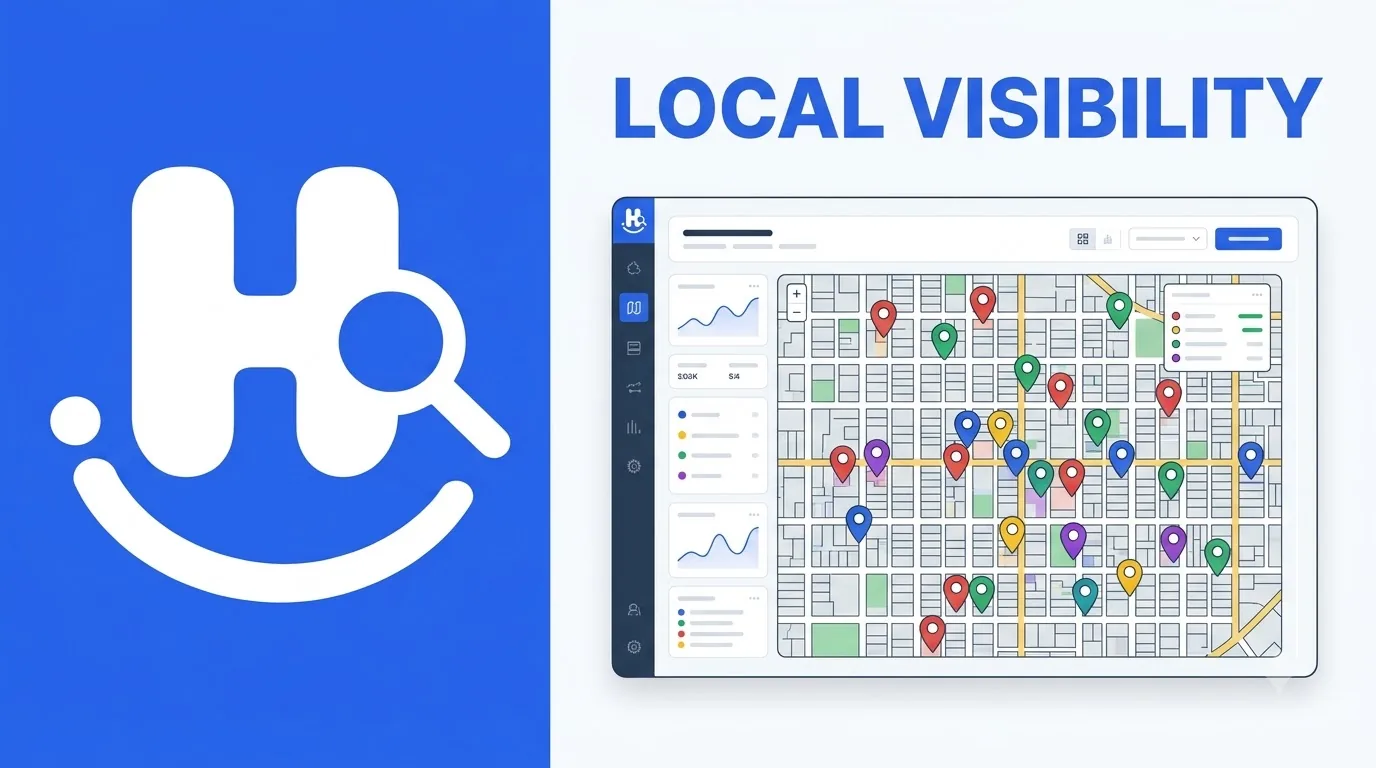
What Does Local SEO Software Track and Analyze?
Once you understand what local SEO software is, the next question is more practical: what does it actually track? A good platform brings together several local SEO data points that would otherwise require checking different tools, search results, directories, and review platforms separately, and that is where the value becomes much clearer.
Local Keyword Rankings
One of the most important functions is local rank tracking. Instead of checking whether a business ranks for a keyword from just one location, software monitors rankings across specific cities, neighborhoods, ZIP codes, or other geographic areas. For example, a plumbing company might rank well for 'plumber near me' around its office but have much weaker visibility several miles away, a pattern our plumber local SEO guide explores in depth. Businesses can typically monitor local keyword rankings, ranking changes over time, location-specific search performance, organic and Map Pack visibility, and important service and location keywords.
Google Maps and Map Pack Visibility
For many local businesses, appearing in Google's Map Pack is just as important as ranking organically, and Google Maps rankings can vary significantly depending on where the search is performed. Some tools use geo-grid tracking or ranking heatmaps to show how visibility changes across a geographic area, which I find particularly useful because a single ranking number hides important local differences. Research such as the Whitespark Local Pack study confirms how competitive these map results are, and software can track keywords, Map Pack presence, geo-grid differences, and ranking history so you understand where your business appears, how consistently it performs, and whether visibility is improving.
| Tracking Area | What It Can Show |
|---|---|
| Local keywords | Search visibility for important terms |
| Map Pack | Presence in local map results |
| Geo-grid | Ranking differences by location |
| Ranking history | Visibility changes over time |
Google Business Profile Data
- Business name and address
- Phone number
- Business categories
- Opening hours
- Services
- Reviews
- Profile activity
Keeping this information accurate matters because customers rely on it when deciding whether to contact or visit a business. Follow a Google Business Profile optimization checklist regularly, since profile accuracy directly shapes calls, visits, and direction requests.
Local Citations, Reviews, and Competitors
Local citations are mentions of a business across directories and other online platforms, and software helps identify inconsistent information, duplicate listings, or outdated details, which saves considerable time for multi-location businesses versus checking every directory manually. Keeping name, address, and phone data consistent supports citation and NAP consistency and gives customers reliable information everywhere they find you.
Review monitoring keeps track of ratings, new reviews, review volume, and customer feedback, while local competitor analysis reveals which businesses appear more prominently for important searches. When I look at local performance, I rarely want rankings in isolation; I want the surrounding competitive picture too. Together, these data points show not only where you rank, but why certain locations, keywords, or competitors perform differently.
How Does Local SEO Software Work?
I like to think of local SEO software as a continuous process rather than a single feature: it collects local SEO data, analyzes what is happening across locations, highlights potential problems, and helps you monitor the results of your optimization efforts. The process usually starts by adding business information such as name, address, phone, website and location pages, Google Business Profile, target locations and service areas, important local keywords, and competitors to monitor, which gives the platform the context it needs to measure performance accurately.
Next, the software gathers rankings, Google Maps visibility, business listings, reviews, and competitor performance in one place instead of repeated manual Google searches recorded in a spreadsheet. It then analyzes patterns: a keyword that dropped, one location outperforming another, a competitor gaining visibility, or strong performance in one area but weakness elsewhere, with geo-grid versus traditional rank tracking making geographic differences much easier to understand.
- Business name, address, and phone number
- Website and location pages
- Google Business Profile
- Target locations and service areas
- Important local keywords
- Competitors you want to monitor
The next step is finding gaps that need attention: inconsistent local citations, weak keyword rankings, missing business information, poor visibility in specific locations, competitors ranking ahead, review or reputation gaps, and underperforming location pages. Raw data only tells you what happened; identifying the gap helps you decide where to investigate next. After that, the software supports optimization such as managing listings, monitoring reviews, tracking keywords, and organizing tasks, though exact capabilities vary, so distinguish software that provides insights from software that also supports actions.
- Inconsistent local citations
- Weak keyword rankings
- Missing business information
- Poor visibility in specific locations
- Competitors ranking ahead
- Review or reputation gaps
- Underperforming location pages
Local SEO is not a one-time project, so regular monitoring tracks ranking improvements or declines, Map Pack visibility changes, competitor movement, review trends, and location-level performance. Finally, the software turns ongoing data into local SEO reporting that makes it easier to compare locations, communicate progress, and prioritize next steps. Each stage takes collected data and turns it into useful insights, actions, and measurable results:
| Stage | What Happens |
|---|---|
| Connect | Add business, location, keyword, and competitor context |
| Collect | Gather rankings, Maps, listings, reviews, and competitor data |
| Analyze | Identify patterns and geographic visibility differences |
| Act and report | Fix gaps, support optimization, monitor, and report results |

What Can You Do With the Insights?
Once data is collected and analyzed, the real question is what you can actually do with it. Monitor local keyword rankings, Google Maps and Map Pack visibility, ranking changes by location, geographic patterns, and important service keywords; a business ranking well near its address but struggling in nearby neighborhoods becomes easy to spot. Then find opportunities: keywords close to page one, locations with weak visibility, services needing stronger optimization, areas where competitors rank higher, and visibility changes needing investigation. Competitor analysis adds who appears ahead of you and where, across rankings, Map Pack, geography, reviews, and presence, while multi-location dashboards compare performance without building separate spreadsheets per market.
| Business Need | How Software Can Help |
|---|---|
| Multiple locations | Compare location-level performance |
| Local keywords | Track rankings across markets |
| Reviews | Monitor ratings and new feedback |
| Listings | Check business information |
| Reporting | Create location-level performance reports |
Finally, connect search visibility with business outcomes such as website visits, phone calls, direction requests, leads, bookings, and conversions, following Google's guidance on local search fundamentals for how local results work. The key is using these insights together rather than relying on one metric: rankings matter, but whether visibility change contributed to meaningful customer actions matters more.
How to Choose and Evaluate Local SEO Software
Choosing software feels overwhelming because most platforms list endless features, so start with a simpler question: what local SEO problems do I need the software to solve? Consider your number of locations and whether the platform manages multiple locations, tracks rankings per location, compares performance, and scales as you grow. Evaluate geographic local rank tracking with ZIP or location-based tracking, Maps and Map Pack monitoring, geo-grid tracking, and historical data. Check Google Business Profile and listing features covering categories, hours, services, citations, and consistency, plus review and competitor monitoring together rather than as separate activities. Look for customizable reporting and automation such as scheduled ranking checks, review monitoring, listing updates, recurring reports, and performance alerts, and always match features to actual needs. The best software is not the one with the longest feature list but the one that fits your workflow, gives reliable data, and turns information into useful decisions.
Frequently asked questions
What is local SEO software?
Local SEO software monitors, manages, and improves a business's presence in local search. It tracks local keyword rankings, Google Business Profile performance, citations, reviews, and competitors, bringing scattered local search data into one visibility dashboard for better decisions.
What does local SEO software track?
It tracks local keyword rankings by city, neighborhood, or ZIP code, Google Maps and Map Pack visibility, geo-grid ranking differences, Google Business Profile details, citation consistency, review volume and ratings, competitor visibility, and ranking history over time.
How does local SEO software turn data into rankings?
It connects business and location data, collects rankings, listings, reviews, and competitor signals, analyzes visibility patterns, identifies gaps such as weak areas or inconsistent citations, supports optimization, monitors changes, and turns results into recurring local SEO reports.
How do I choose local SEO software?
Start from the problems you need to solve, then evaluate location support, geographic rank tracking with geo-grid data, Google Business Profile and listing features, review and competitor monitoring, reporting, and automation. The best platform fits your workflow and turns data into useful decisions.
Can local SEO software manage multiple locations?
Yes. Multi-location platforms compare location-level performance, track rankings separately for each market, monitor reviews and listings centrally, and create location-level reports, which saves considerable time versus checking every directory and profile manually.